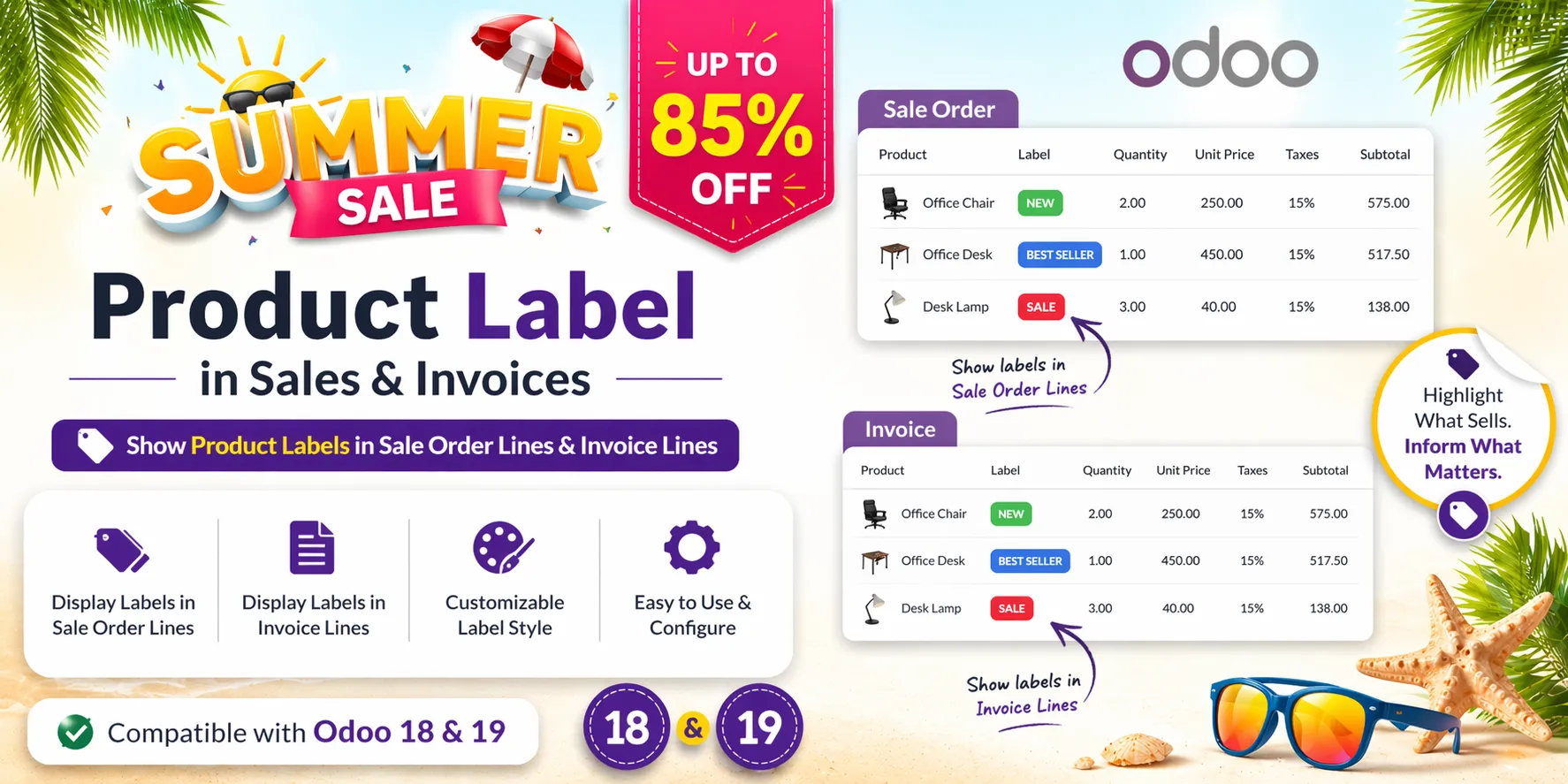
Odoo 20 shows the product of an order or invoice line and its description (label) stacked in a single column. This app gives the description its own column, next to the product, so both can be read and edited at a glance.
Key Features
- Product and description in two columns — Quotations, sales orders, customer invoices, credit notes and vendor bills show the product in one column and the description (Description / Label) in the next one.
- Product column shown by default — On sales orders and invoices the Product column is switched on at install, so the two columns appear at once.
- Edit the description in its column — Click the description cell and type: it is the same line description Odoo prints on the quotation and the invoice.
- Sections and notes unchanged — Section and note lines keep their full-width layout.
- Odoo's layout one click away — Hide the Product column in the column options to get Odoo's single Description column back. Each user chooses for himself.
- Nothing to configure — Install and open an order: there is no setting and no data. Uninstalling the app brings back Odoo's layout.
Benefits
- Long descriptions no longer hide the product name
- Review and correct descriptions line by line before sending a quotation or an invoice
- Same reading order as the printed document: product, description, quantity, price
Ideal For
- Sales teams that write a custom description on every quotation line
- Accountants who check invoice and bill labels before posting
- Anyone who prefers a spreadsheet-like line list
Technical Highlights
- Small patch of Odoo's own line list; the column edits the standard description field through Odoo's access rights and read-only rules (posted invoices stay read-only)
- No stored data; printed documents and the customer portal keep Odoo's layout
- Purchase orders keep Odoo's layout on Odoo 20
- Depends on Sales only; Community and Enterprise
Supported Odoo Versions
- Odoo 19
- Odoo 20