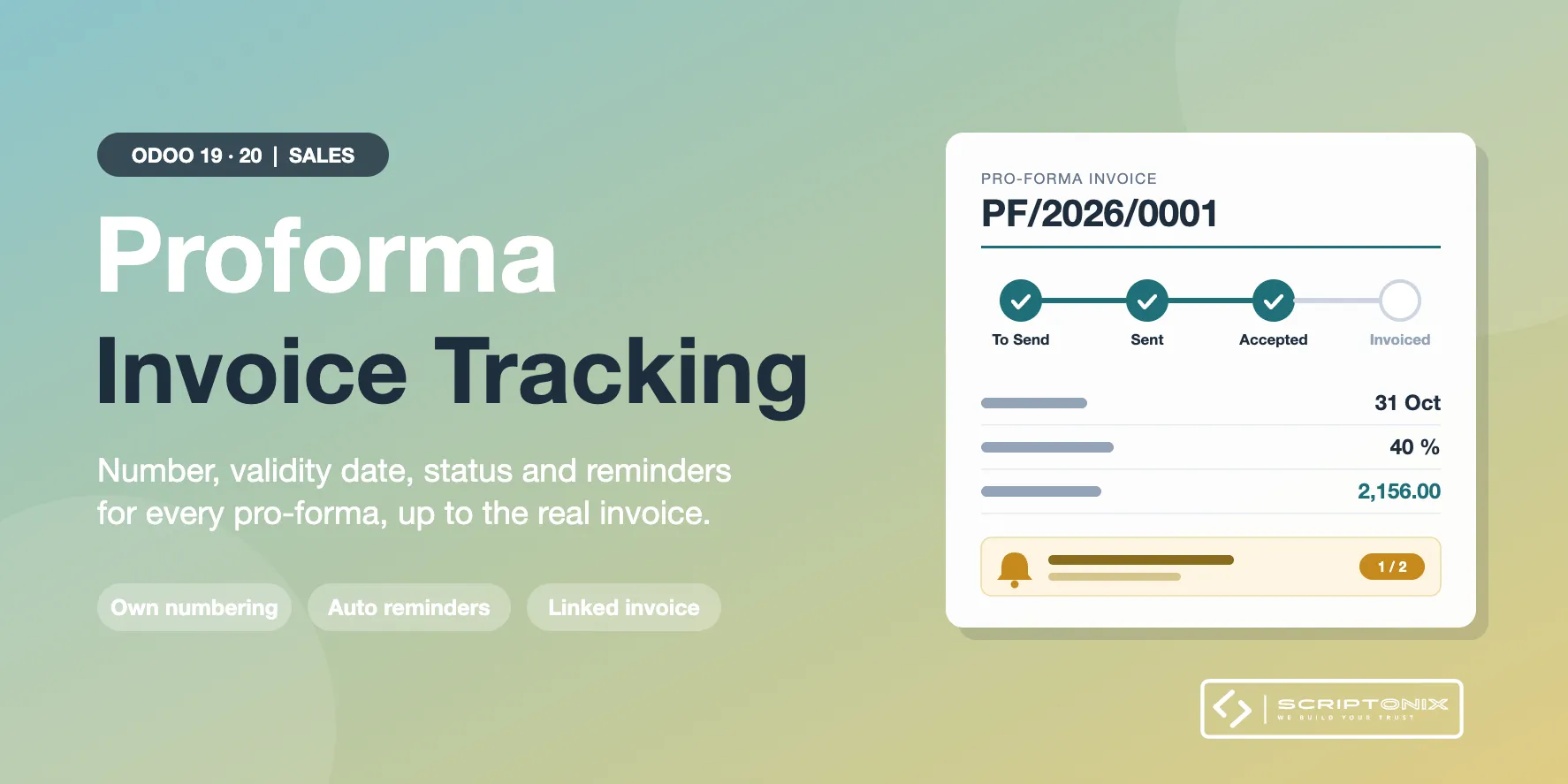
Odoo Sales can print and e-mail a pro-forma invoice from a quotation or a sales order, but it keeps no trace of it. This module gives every pro-forma its own number, a validity date and a status, reminds the customer automatically and links the pro-forma to the invoice that replaces it. It works on top of the standard pro-forma print and e-mail of Odoo.
Key Features
- Numbered pro-forma invoices — Each pro-forma gets its own number from a dedicated sequence, printed on the standard document.
- Status from To Send to Invoiced — To Send, Sent, Accepted, Invoiced, Expired or Cancelled, with the full history in the chatter.
- Validity date and automatic expiry — A default validity per company; expired pro-formas are flagged and the salesperson gets a to-do.
- Automatic and manual reminders — Reminder e-mails with the stored PDF, every few days, up to a maximum you choose.
- Ask for the full amount or an advance — Request the full order amount, a percentage or a fixed amount, with your payment instructions.
- Turned into the real invoice — Create the invoice from the pro-forma; both documents are linked whatever way the invoice is made.
- Works with the standard send button — A pro-forma sent with the usual button of the sales order is numbered and tracked as well.
- Lists, filters and analysis — All pro-formas in one list with filters, plus a pivot and a chart by status, customer or month.
Benefits
- Always know which pro-formas are waiting for an answer and which are about to expire
- No pro-forma forgotten: reminders leave by themselves
- One number to quote to the customer and to the bank
- No accounting entry before the real invoice
- Works right after installation, nothing to configure
Ideal For
- Companies that ask for payment before delivery or before production
- Exporters whose customers need a pro-forma for a bank or for customs
- Sales teams that want to follow advance payment requests
Technical Highlights
- Extends the standard pro-forma report and e-mail of the Sales app, no second layout
- Depends on the Sales app only; Community and Enterprise
- Settings and number sequence per company, record rules per sales role
- One daily scheduled action for expiry and reminders; fully translatable
Supported Odoo Versions
- Odoo 19
- Odoo 20