
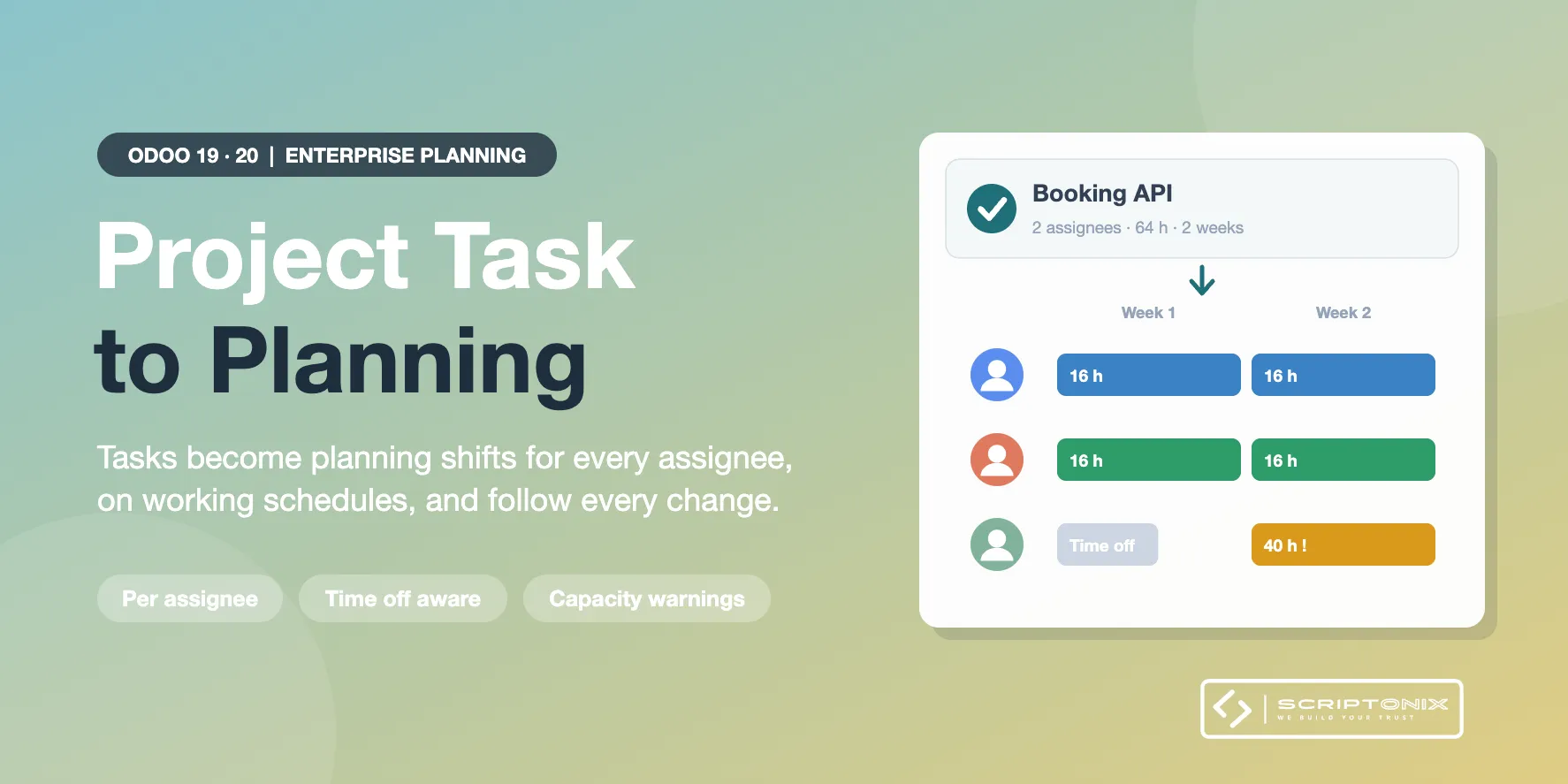
Turns project tasks into Planning shifts. Each assignee of a task gets shifts between the task's planned start and deadline, on his own working schedule, with the task's allocated time shared between the assignees. When the task moves, changes hands or gets more hours, the shifts follow; shifts a planner changed by hand are left alone. Requires Odoo Enterprise (Project and Planning).
Key Features
- Shifts created from tasks — One shift per assignee for the whole task, per week or per working day (your choice), with the allocated time split between the assignees.
- Working schedules and time off — Hours are spread over each employee's own working schedule; time off and public holidays are left out.
- Sync mode per project — Off, Create only or Keep in sync, with company defaults for new projects.
- Hand edits are respected — A shift moved or resized in Planning is marked "Edited by hand" and never overwritten; a shift deleted by hand is not re-created. Shifts that already ended stay as they are.
- Clean-up rule — When an assignee is removed or the task is cancelled, the future shifts are deleted, turned into open shifts or kept, per project.
- Capacity warnings — The task shows which assignee is over capacity or off for the whole period, with a "Planning Conflicts" filter on the task list.
- Plan button and bulk action — "Plan Shifts" on the task, and on any selection of tasks with a review of the tasks that cannot be planned yet and why.
- Shift linked to its task — Every shift carries its task (Planning's own Task field); the task shows its shifts in Planning's own views.
Benefits
- No double entry between Project and Planning
- Planners see the real workload of every person, task by task
- Changes to a task reach the planning at once, without overwriting manual planning work
- Works right after install with sensible defaults
Ideal For
- Service companies that plan consultants or technicians on project tasks
- Project managers who schedule tasks in Project and want Planning to follow
- Multi-company groups using Odoo Enterprise Planning
Technical Highlights
- Requires Odoo Enterprise: depends on Project (project_enterprise) and Project Planning (project_forecast, which brings Planning)
- Uses Odoo's own task assignees, planned dates, allocated time and shift status
- Access follows Planning's own User and Administrator roles; multi-company safe
- Batch planning: one search for all shifts of a batch of tasks
- No external Python package; fully translatable
Supported Odoo Versions
- Odoo 19 Enterprise
- Odoo 20 Enterprise