
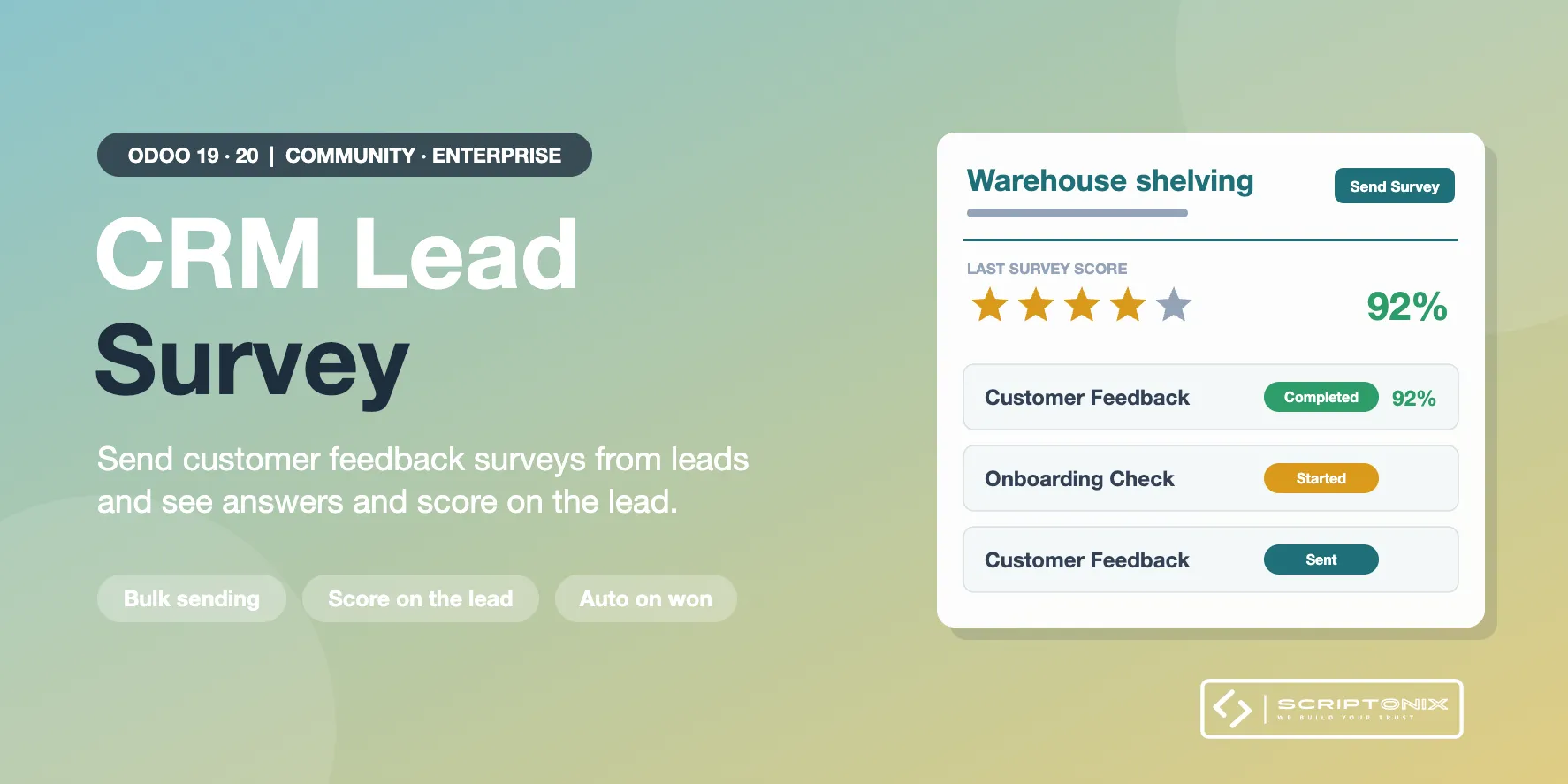
Send a survey to the customer of a lead or an opportunity in one click, one by one or in bulk from the list, and follow the invitation, the answers and the score on the lead itself. Teams can send their survey automatically when an opportunity is won, lost or reaches a stage.
Key Features
- Send Survey from the lead — A Send Survey button on every lead and opportunity opens Odoo's own survey invitation composer, already filled with the customer and the survey of the sales team.
- Bulk sending from the list — Tick any number of leads or opportunities and choose Send Survey in the Action menu. Leads without an e-mail address are listed and skipped; all the others are sent.
- Answers, status and score on the lead — A Surveys smart button and tab show each invitation: sent, started or completed, the score, the dates and a link to the customer's answers.
- Searchable survey results — Last survey status, last score and completion date are stored on the lead: filter, group, sort and add them as list columns.
- Automatic sending per sales team — Optionally e-mail the team survey when an opportunity is won, is lost or reaches a chosen stage. Off by default, sent once per survey and lead.
- Reporting — CRM > Reporting > Lead Surveys: pivot, graph and list by survey, sales team, salesperson and status, with the average score.
- Safe public answering — Customers answer through their personal link. The lead link is stored by Odoo when the survey is sent and cannot be changed by the respondent.
- Access rights and multi-company — Salespeople see the survey answers of their own leads, managers see all; companies stay separated. Salespeople need no rights on the Surveys app.
Benefits
- Collect customer feedback right where the sales conversation happens
- Know at a glance which customers answered and how satisfied they are
- No copy-paste of survey links, no lost answers
- Works out of the box with a ready-made Customer Feedback survey
Ideal For
- Sales teams that ask for feedback after a deal is won or lost
- Companies qualifying leads with a short questionnaire
- Managers who follow customer satisfaction per team and salesperson
Technical Highlights
- Built on Odoo's survey invitation wizard and its invitation e-mail template
- Uses the standard survey answer token; nothing is passed in the survey URL
- Depends on CRM and Surveys (Community); works on Community and Enterprise
- Record rules per sales role and company; fully translatable
Supported Odoo Versions
- Odoo 19
- Odoo 20