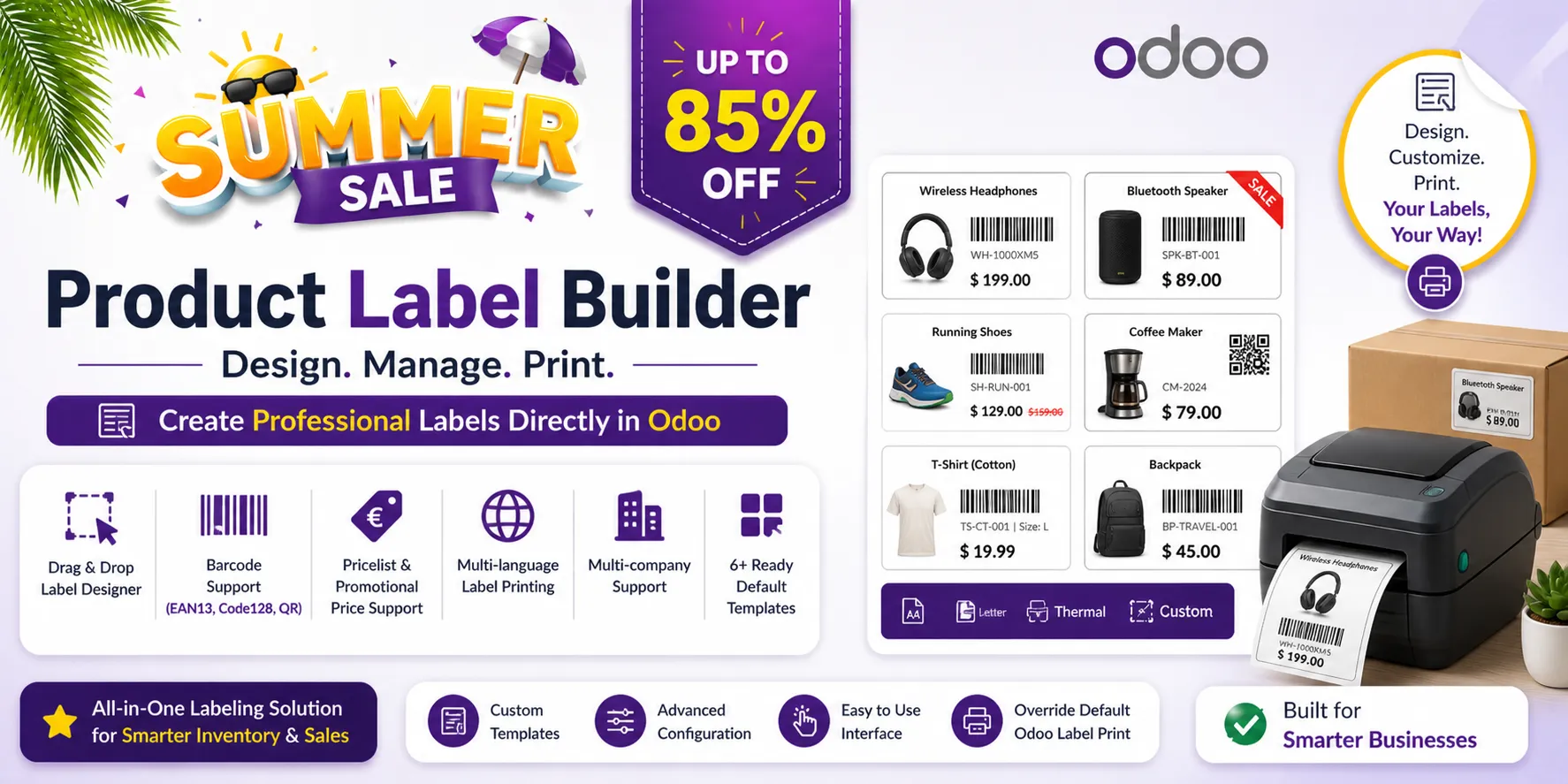
Odoo's Print Labels button offers a few fixed sheet layouts (Dymo, 2 x 7, 4 x 7, 4 x 12, and ZPL with Inventory). This app lets you design your own label templates: page size, label size, grid, margins and spacing in millimetres, and what each label shows and where. Labels are printed as PDF from a print wizard, or from Odoo's own Print Labels button when you switch the setting on.
Key Features
- Label templates in millimetres — A4, Letter or a custom page (label printers): label width and height, columns, rows, margins, spacing between labels, border width and colour. A warning tells you when the grid or a section does not fit.
- Sections placed on the label — Product name, internal reference, barcode, QR code, price, promotional price, currency symbol, company name, company logo and your own text, each with its position, size, font size, bold, italic, alignment and maximum number of lines.
- Barcodes and QR codes — EAN-13, Code 128 or QR code, with or without the human-readable value. A value that is not a valid EAN-13 is printed as Code 128; a product without barcode gets no barcode.
- Prices from a pricelist, in the label language — The price comes from the product or from a pricelist, with its currency, formatted in the language chosen for the labels. A promotional price per product can be printed next to it.
- Print wizard — Products with a quantity each, copies of the whole batch, template, pricelist, language and company; the number of labels is shown before printing.
- Six ready templates — A4 2 x 7 and 4 x 7, Letter 2 x 7 and 4 x 10, thermal 57 x 32 mm and 100 x 50 mm.
- Templates per user and two roles — A default template per user and a list of allowed templates; Label Designer and Label Manager roles.
Benefits
- Labels that match the label sheets or label rolls you already buy
- Shelf labels with prices from your pricelist and in the customer's language
- One batch of labels for many products, each with its own quantity
Ideal For
- Shops printing shelf and price labels
- Warehouses printing barcode labels on A4 sheets or on a label printer
- Companies selling in several languages or currencies
Technical Highlights
- Menu: Inventory > Products > Label Builder; setting in Inventory > Configuration > Settings
- PDF through Odoo's report engine, one paper format per template
- Depends on stock and product; Community and Enterprise
Supported Odoo Versions
- Odoo 19
- Odoo 20