
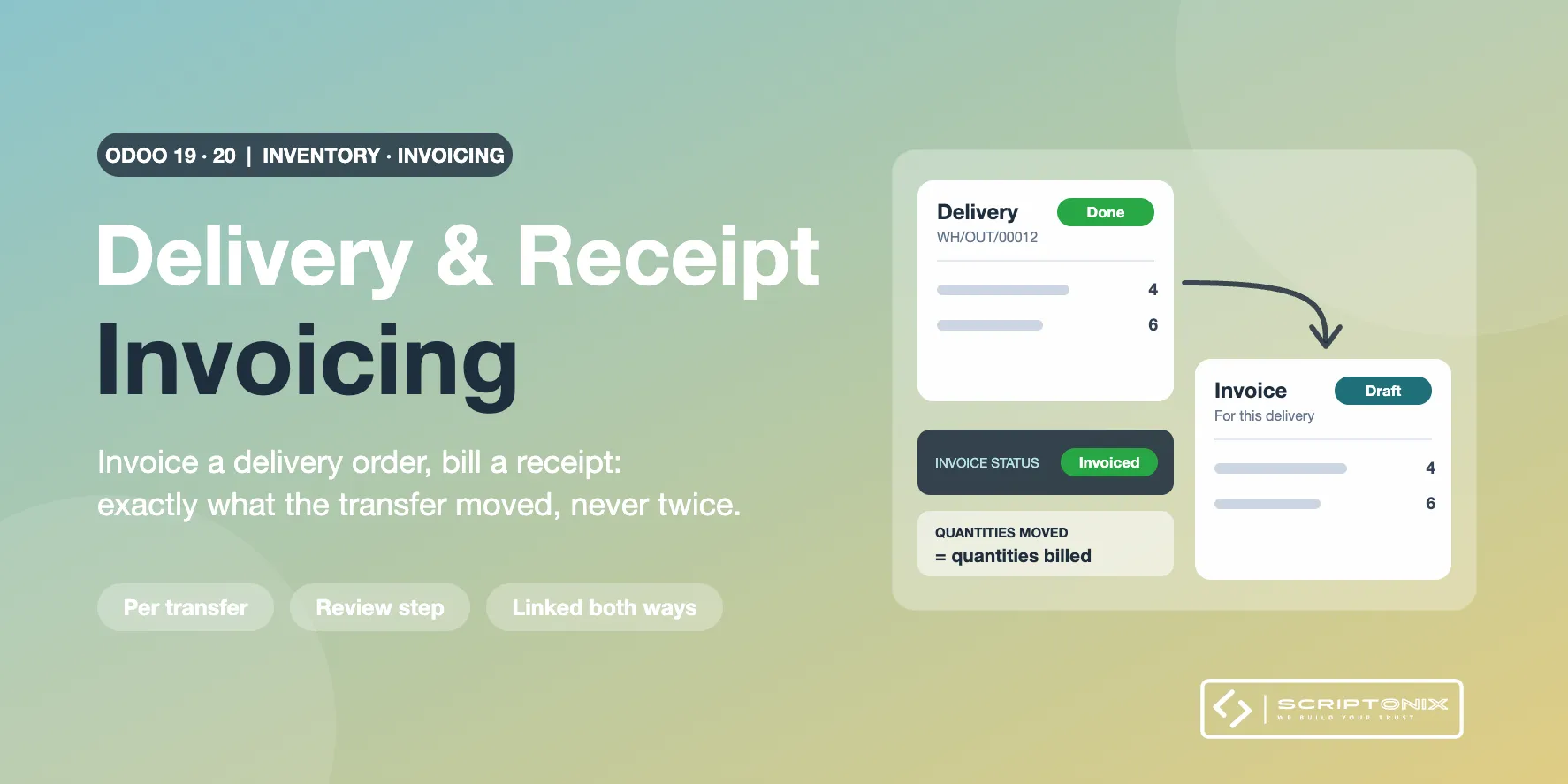
Prepare the customer invoice straight from a validated delivery order and the vendor bill straight from a validated receipt, for exactly the quantities that transfer moved. One transfer or a whole selection at once, with a review step, a computed invoice status on every transfer and a link between transfer and invoice in both directions.
Key Features
- Invoice a delivery, bill a receipt — A button on the validated transfer prepares the draft for that transfer's quantities only.
- Many transfers in one go — Tick the transfers in the list and choose Create Invoices / Bills in the Action menu.
- Review before anything is created — Every transfer is shown as ready or skipped, with the document, quantity, amount and reason.
- Never invoiced twice — The draft never exceeds what the sales or purchase order still has to invoice.
- Invoice status on every transfer — To Invoice, Invoiced, Settled on Order or Nothing to Invoice, with filters and grouping.
- Linked both ways — Smart buttons open the invoices of a transfer and the transfers of an invoice.
- Returns become credit notes — A customer return or a return to the vendor gives a credit note or a refund.
- Automatic drafts on validation — Per company: draft invoice on delivery, draft bill on receipt, never blocking the warehouse.
Benefits
- One invoice per shipment for customers who want it that way
- The warehouse can hand over a ready draft the moment the goods leave
- Nothing delivered is forgotten: two lists show what is shipped or received and not billed
- Order quantities stay right because the drafts come from the standard invoicing routines
Ideal For
- Wholesalers and distributors shipping one order in several deliveries
- Companies that match every vendor bill to a goods receipt
- Teams where the warehouse triggers invoicing and accounting only checks and posts
Technical Highlights
- Customer invoices come from the sales invoicing routine, vendor bills from the purchase order values
- Invoiced quantities on sales and purchase orders stay correct
- The status is computed from the invoice lines: cancelling an invoice reopens the transfer
- Dedicated access right; multi-company settings; fully translatable
- Depends on Sales + Inventory and Purchase + Inventory; Community and Enterprise
Supported Odoo Versions
- Odoo 19
- Odoo 20