
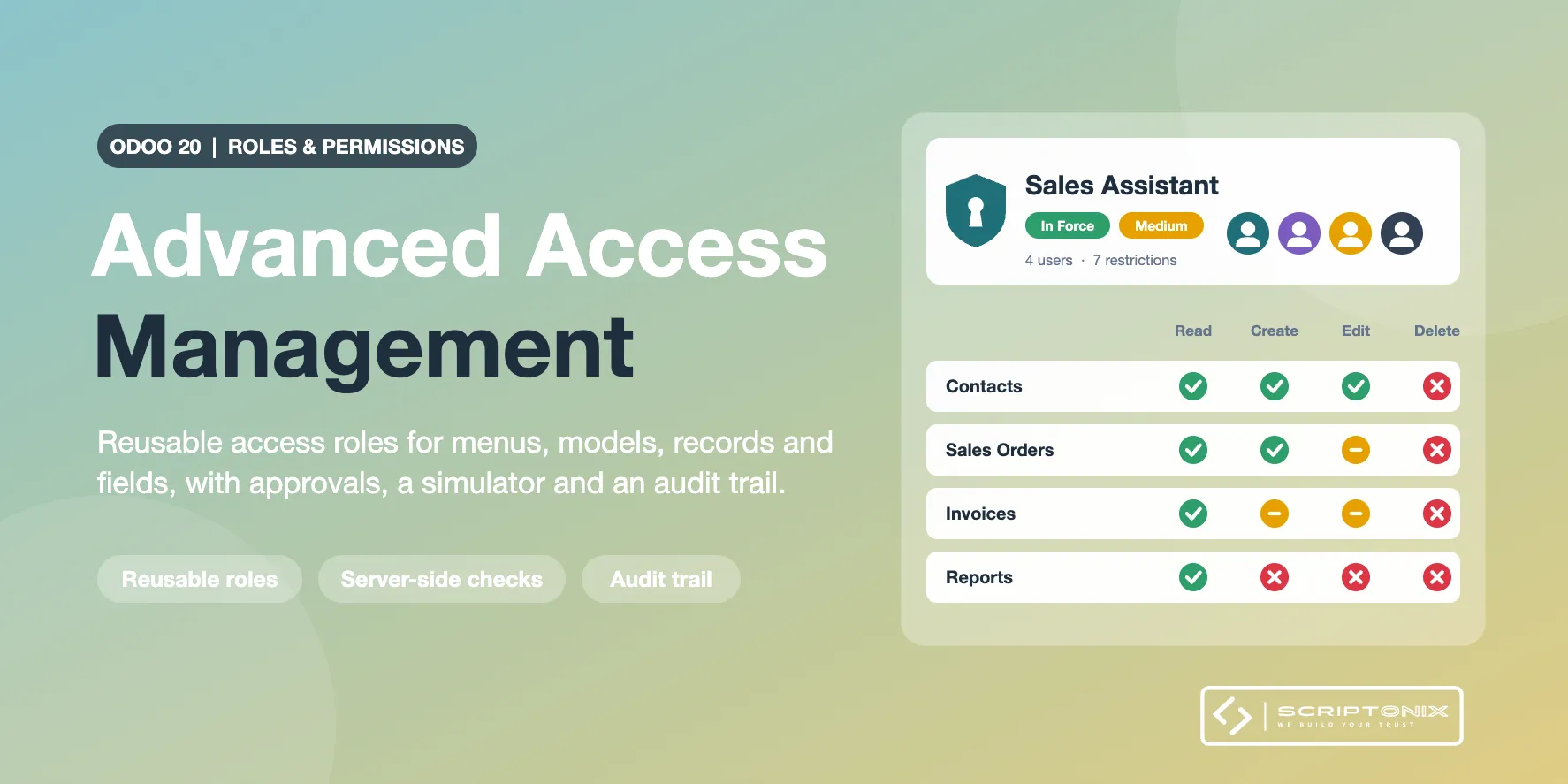
Central access roles on top of the groups and access records of Odoo. A role holds a set of restrictions and every user assigned to it gets them; a change of the role reaches all its users at once. Restrictions are checked on the server, the screens are adapted in addition.
Key Features
- Reusable roles — Several roles per user, roles that include other roles, roles per company, default role for new users, copy, archive, export and import.
- Restrictions per model, record and field — No create, edit, delete, duplicate, archive, export or import; record filters built with the domain editor of Odoo; hidden, read-only and required fields.
- Menus, views and buttons — Hide apps and menus, view types, buttons, tabs, filters, reports, actions and parts of the chatter.
- Whole-user rules — Read-only user, no developer mode, no import or export, login limited to networks and hours.
- Approvals and requests — Changes approved by a second person, with the list of what will change; users ask for a role from the user menu.
- Temporary permissions — Roles and personal exceptions with a start and an end, reminders before the end, extension by approval.
- Simulator, conflicts and audit trail — See what a user may do and which rule decides; find contradictions between roles; a log of every change that cannot be edited or deleted in Odoo.
Benefits
- One screen to see and change what each role may do
- Restrictions only narrow what Odoo allows: a role never opens records the rules of Odoo close
- Break-glass administrators and a safe mode to recover from a wrong policy
- Works with any installed app, Community and Enterprise
Ideal For
- Companies with several departments sharing one database
- Administrators who want roles instead of editing groups user by user
- Auditors who need to know who can do what, and who changed it
Technical Highlights
- Depends on base, web and mail only
- One effective policy per user, cached and invalidated on every policy change
- Own models in the spx.access namespace; nothing is written to the views or rules of Odoo
- Uninstalling takes back the groups roles had given and leaves the rest of Odoo as it was
- Fully translatable; covered by automated tests
Limits
- The app adds restrictions to Odoo; it does not replace groups and access records and does not close every way to data
- Hidden fields can still surface through related or computed fields, reports, e-mail templates and message bodies
- Read-only and required fields are checked on the values users send; hidden menus are navigation only
- Officers are trusted when approvals are off; the audit trail is protected inside Odoo, not against direct database access
- On Odoo 20 tracked changes of a hidden field are left out of the chatter for everybody
- The full list is in the README and on the store page
Supported Odoo Versions
- Odoo 20