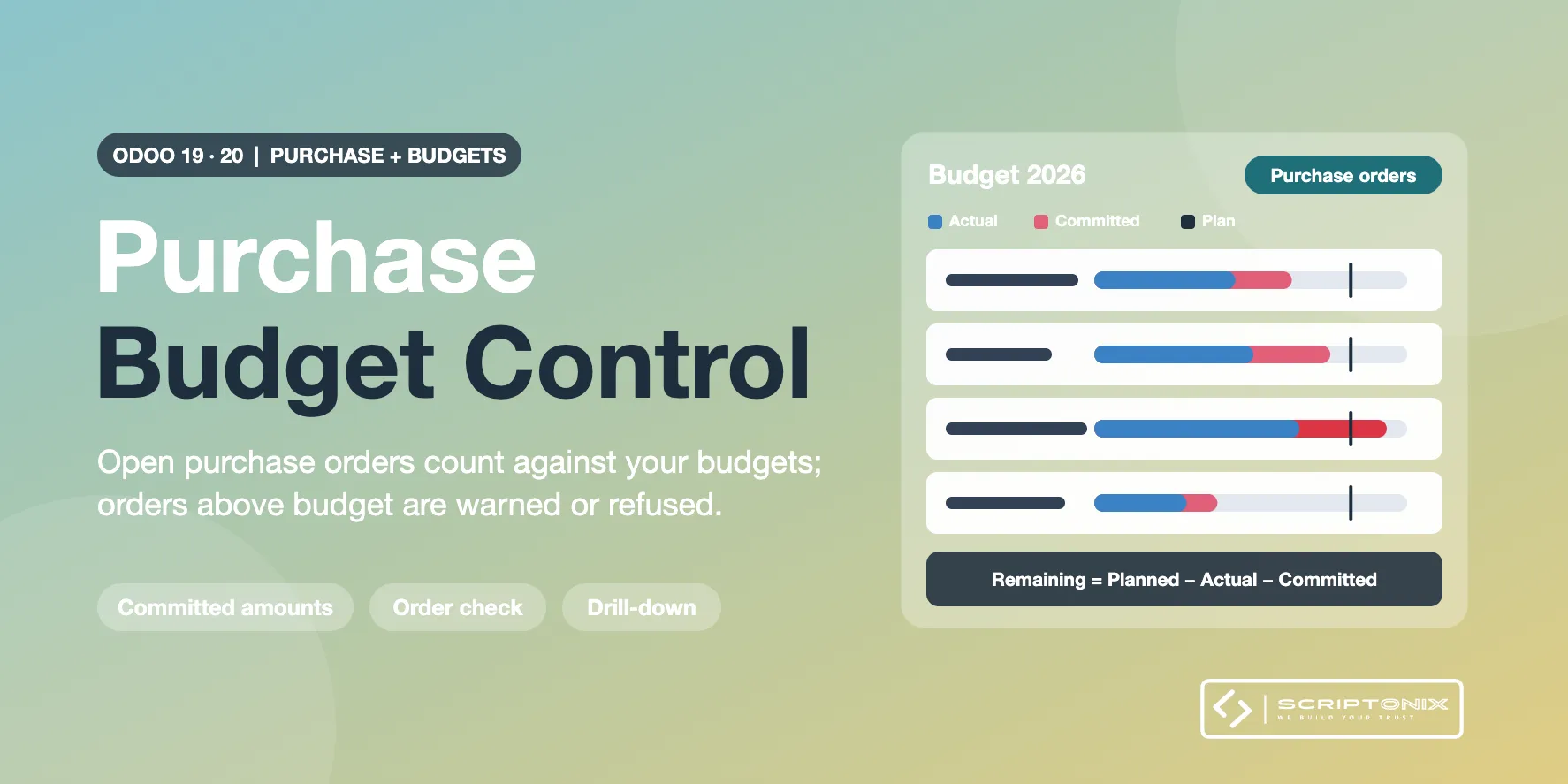
Add-on for the app "Budget Control & Alerts" (required, sold separately) and the Purchase app. Confirmed purchase orders that are not billed yet count against your budgets as a Committed amount, next to Planned and Actual, and an order that would exceed a budget is announced before it is confirmed, or refused. Built for Odoo Community; it is an independent tool, not the purchase part of the Budgets app of Odoo Enterprise.
Key Features
- Committed column on every budget — Planned, Actual, Committed and Remaining = Planned - Actual - Committed, per line and per budget.
- Follows the life of the order — Confirmation, quantity and price changes, partial bills, refunds, cancellation: the committed amount is kept right, and a posted bill moves its part from Committed to Actual.
- Analytic distribution and budget headings — An order line counts on the budget lines of its analytic accounts, by percentage, and on the headings that hold the expense account of its product.
- Warning before confirmation — The request for quotation shows which budget lines it would exceed, with the figures.
- No check, warn or refuse — One choice per company; budget managers may still confirm, and the decision is traced.
- Budget tab on the purchase order — The budget lines the order counts against, what it commits and what is left afterwards.
- Drill-down and analysis — From a budget line to the purchase lines behind its committed amount; commitments by budget, vendor, product or buyer; a third bar in the plan vs actual chart.
- Alerts include commitments — Near Limit and Over Budget, banners and to-dos take the committed amount into account.
Benefits
- Know what is really left of a budget, not only what has been billed
- Overspending is stopped at the order, weeks before the bill arrives
- No amount is counted twice between an order and its bills
- Same alert levels, roles and settings as the budget app: one product for the user
Ideal For
- Companies on Odoo Community that buy against approved budgets
- Department and project managers who own a cost budget
- Associations and public bodies that must not order above approved amounts
Technical Highlights
- Requires "Budget Control & Alerts" (spx_account_budget_control) and Purchase
- Extends the budget app through its own models; no change to purchase or accounting data
- Commitments stored per order line and budget line, so every figure can be opened
- Company rules, multi-currency orders, fully translatable
Supported Odoo Versions
- Odoo 19
- Odoo 20