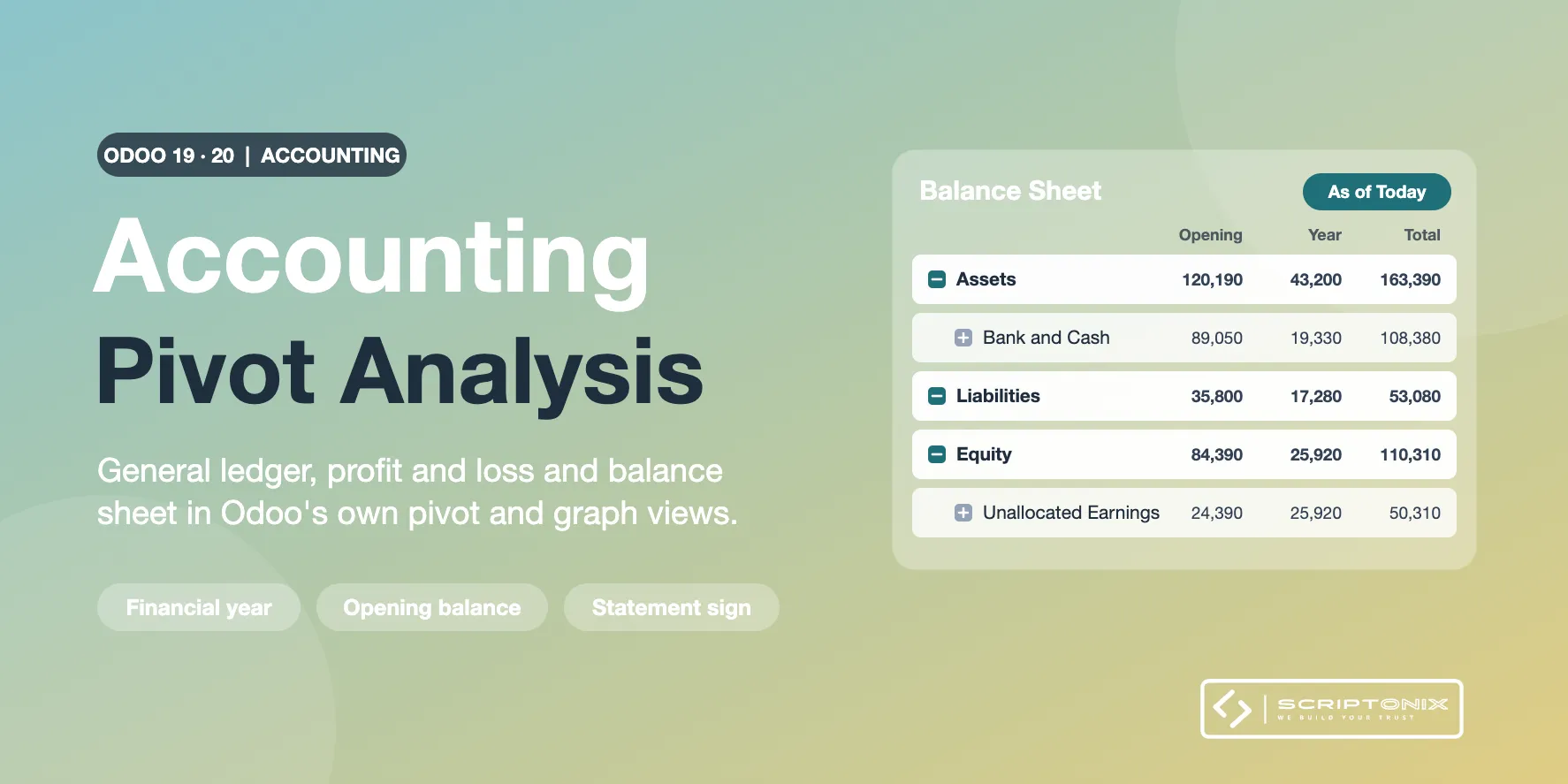
Explore the general ledger, the profit and loss and the balance sheet in Odoo's own pivot and graph views. Three ready menus open on journal items with the right rows, columns, filters and sign, and you keep slicing by account, account type, journal, partner, analytic distribution, month or financial year, then download the table as a spreadsheet.
Odoo already has a pivot on Journal Items. This module adds what that pivot is missing for financial analysis; it does not replace it and it stores nothing new.
Key Features
- Three ready pivot menus — Reporting > Pivot Analysis > General Ledger, Profit and Loss, Balance Sheet, each with a graph.
- Statement Amount measure — Assets as debit balances; liabilities, equity and income as credit balances; expenses negative, so the total of a profit and loss pivot is the net result.
- A balance sheet that balances — Balance Sheet Section and Balance Sheet Line fold income and expenses into Equity as Unallocated Earnings: assets equal liabilities plus equity at any date. Profit and Loss Line lists revenue, cost of revenue, expenses, depreciation and other income in that order.
- Financial year as a dimension — Rows or columns per financial year, read from the year end of each company (for example 2025-2026 for a year ending on 31 March).
- Opening balance next to the movement — Year Position splits every amount into Opening Balance, Earlier Years Result, Reference Year and Later Years; one filter moves the reference to the previous financial year.
- As-of filters — As of Today, As of End of Last Month, Up to Reference Year End, Opening + Reference Year.
- Shared favourites — Trial balance by account type, movements by journal and month, receivables and payables by partner, profit and loss by month or by financial year, result by partner or journal, balance sheet by account or with opening and movement.
- Company defaults — Posted entries only (on by default) and the cut-off of the balance sheet, per company.
Benefits
- Answers that used to need an export: result per month, balances per partner, year on year
- Figures read the way accountants present them
- Every cell opens the journal items behind it
- Nothing to configure, nothing stored, installs in seconds on a large ledger
Ideal For
- Odoo Community users who need ledger, result and balance figures without a report engine
- Accountants and controllers who analyse in pivot tables and spreadsheets
- Companies whose financial year is not the calendar year
Technical Highlights
- Built on the standard Journal Items pivot, graph, search and list views
- New dimensions and the measure are computed in SQL at query time: no stored column, no database view, no scheduled job
- Access follows the accounting roles and the multi-company rules of journal items
- Depends on the Invoicing app only; Community and Enterprise; fully translatable
- It is interactive analysis, not the Enterprise report engine and not a printed statement
Supported Odoo Versions
- Odoo 19
- Odoo 20