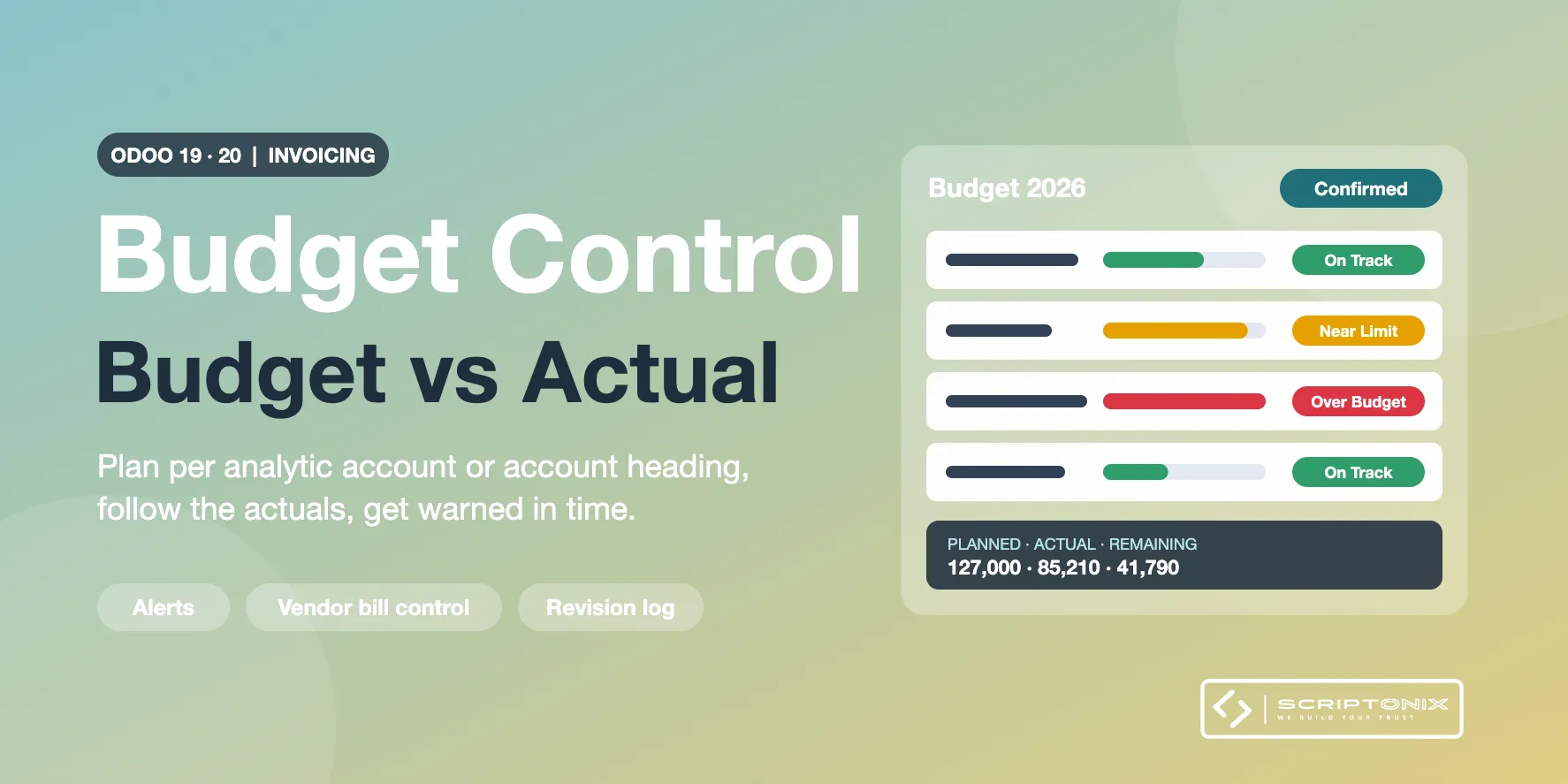
Plan a budget for a period, line by line, per analytic account or per heading of general accounts. Actual amounts follow your posted entries, every line shows what is left and how much is used, and the people in charge are told before the money runs out. Built for Odoo Community; it is an independent tool, not the Budgets app of Odoo Enterprise.
Key Features
- Budgets per period — Name, period, responsible, lines for expenses and for income, totals at a glance.
- Analytic account, account heading, or both — A line follows an analytic account, a named set of general accounts, or the two combined.
- Actual amounts from posted entries — Journal items and analytic items of the period; drafts are never counted.
- Remaining and used percentage — Stored on every line, so lists, pivots and graphs can measure them.
- Warning threshold and alerts — A banner on the budget and a to-do for its responsible when a line nears or passes its plan.
- Vendor bill control — Warn on the draft bill, or refuse the posting when the bill would exceed the budget.
- Revisions with a reason — Change planned amounts of a confirmed budget in one step; every change is kept in a log.
- Budget vs actual analysis — Pivot and list by budget, analytic account, heading, type, alert and period, and a chart with planned and actual amounts side by side.
Benefits
- Know what is left of every budget without a spreadsheet
- Overspending is noticed while the bill is still a draft
- Every change of a planned amount is explained and traceable
- Works right after installation, with sensible defaults per company
Ideal For
- Companies on Odoo Community that need budget control
- Project and department managers who own a cost budget
- Associations and public bodies that must stay inside approved amounts
Technical Highlights
- Depends on the Invoicing app only
- Own models and menus; installs next to any other budget tool without touching it
- Two access levels, company rules on every model, multi-company settings
- Fully translatable; translation template included
Supported Odoo Versions
- Odoo 19
- Odoo 20