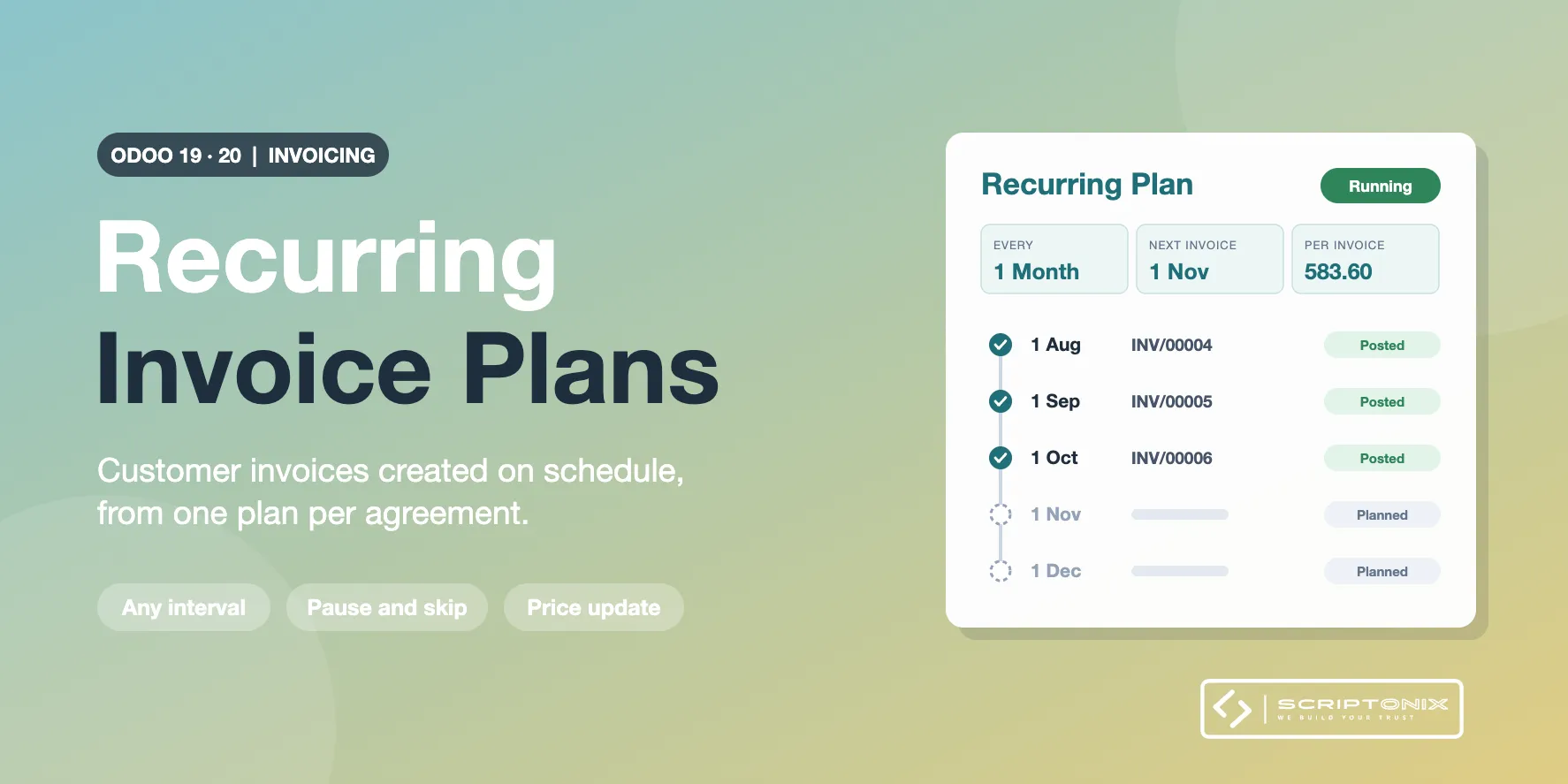
Keep one plan per customer agreement: what is invoiced, how often, from when and until when. A daily job creates the customer invoices on schedule, as drafts to review or already posted, and every invoice stays linked to its plan. Built for the Invoicing app of Odoo Community; no Sales app and no subscription app needed.
Key Features
- Recurring invoice plans — Customer, lines, taxes, discount, payment terms, journal and currency in one record.
- Any interval and a clear end — Every N days, weeks, months or years; no end, until a date, or after a number of invoices.
- Automatic or manual — The scheduled job creates what is due and catches up missed days; a button creates the next invoice at once.
- Draft or posted — Choose per plan whether invoices wait for review or are posted straight away.
- Upcoming invoices — See the next invoice dates, billed periods and amounts before they happen.
- Pause, resume, skip, close — Stop a plan for a while, skip one invoice or close it, with every step in the history.
- Price update — Raise or lower the unit prices of one or many plans by a percentage or a fixed amount, logged line by line.
- Analytic distribution and reporting — Analytic distribution per line, plan analysis by customer and status, and invoice analysis by plan.
Benefits
- No forgotten invoice: rent, retainers, maintenance and hosting are billed on time
- One place to see what recurs for each customer and what it is worth per year
- A failed invoice is reported on its plan and to its responsible, the others still go out
- Works right after install: defaults for every setting
Ideal For
- Service companies billing retainers, support or maintenance contracts
- Landlords and leasing companies billing rent
- Agencies and IT providers billing hosting, licences or managed services
- Any Odoo Community user who needs recurring invoices without a subscription app
Technical Highlights
- Invoices are created and posted through the standard Odoo routines
- Month and year intervals keep the day of the first invoice date (31st, end of February)
- One savepoint per invoice; dedicated access right; company record rules
- Depends on the Invoicing app only; Community and Enterprise; fully translatable
Supported Odoo Versions
- Odoo 19
- Odoo 20