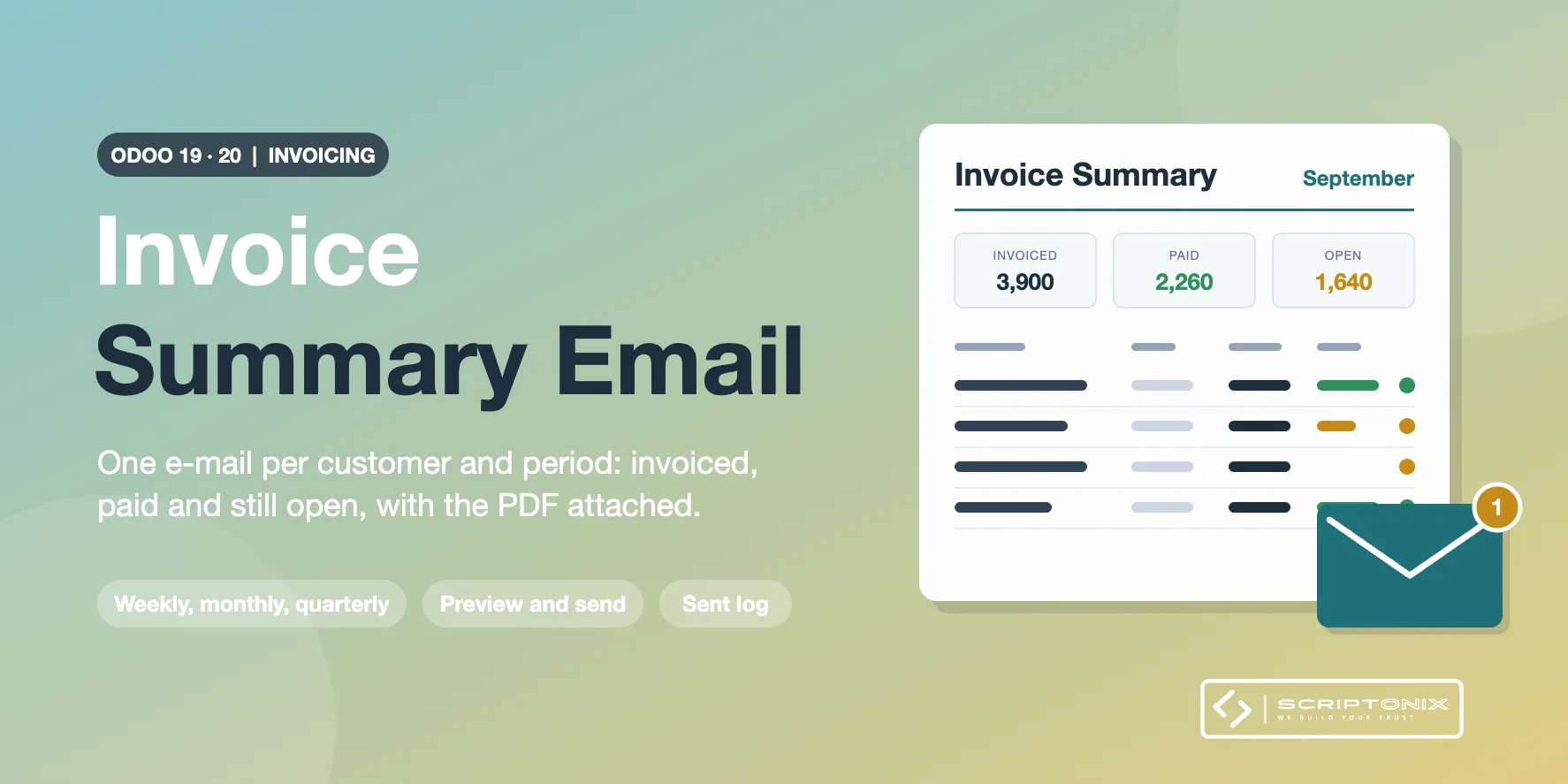
Once a week, a month or a quarter, every customer receives one e-mail that recaps the invoices you issued to them in that period: how much was invoiced, how much is paid and how much is still open, with a PDF that lists each invoice. A scheduled action does the work, a review window lets you preview or send by hand, and a log keeps what was sent.
Key Features
- Automatic summary e-mail per customer — A daily scheduled action e-mails the summary of the last closed period to every customer that was invoiced in it. A period is never sent twice and a missed day is caught up.
- Weekly, monthly or quarterly — Choose the period per company and how many days after its end the e-mails leave.
- Summary PDF attached — Each invoice with date, due date, amount, paid, open and payment status; totals per currency; credit notes as negative amounts; your own note at the bottom; printed in the language of the customer.
- Review window with preview — Send Invoice Summaries shows one line per customer with the totals and a status: ready, opted out, no e-mail address, already e-mailed. Preview the PDF, then send.
- Opt-out per customer — One tick box on the customer keeps it out of every run.
- Invoice Summary Log — Customer, period, recipient, amounts, invoices and the PDF exactly as it was sent, for scheduled and manual runs. Skipped and failed customers are listed with the reason.
- Settings per company — Automatic sending, frequency, send day, all invoices or only open ones, credit notes, e-mail template and note. The settings show when the next run takes place.
- Access right for sending — Invoicing users preview and read the log; e-mailing needs the right Send Invoice Summary E-mails.
Benefits
- Customers see their month at a glance and pay open invoices without being chased
- No manual export and mail merge at each month end
- Only customers that were invoiced in the period receive something
- A trace of every e-mail, with the document, for later questions
Ideal For
- Companies that invoice the same customers many times a month
- Wholesalers, service companies and subscription businesses on Odoo Community
- Accounting teams that want a regular, polite recap instead of a reminder
Technical Highlights
- Reads posted customer invoices and credit notes dated in the period, per company
- Uses the standard Odoo e-mail template, mail queue, PDF report engine and scheduled actions
- Multi-company record rule on the log; multi-currency tables; fully translatable
- Depends on the Invoicing app only; Community and Enterprise
Supported Odoo Versions
- Odoo 19
- Odoo 20