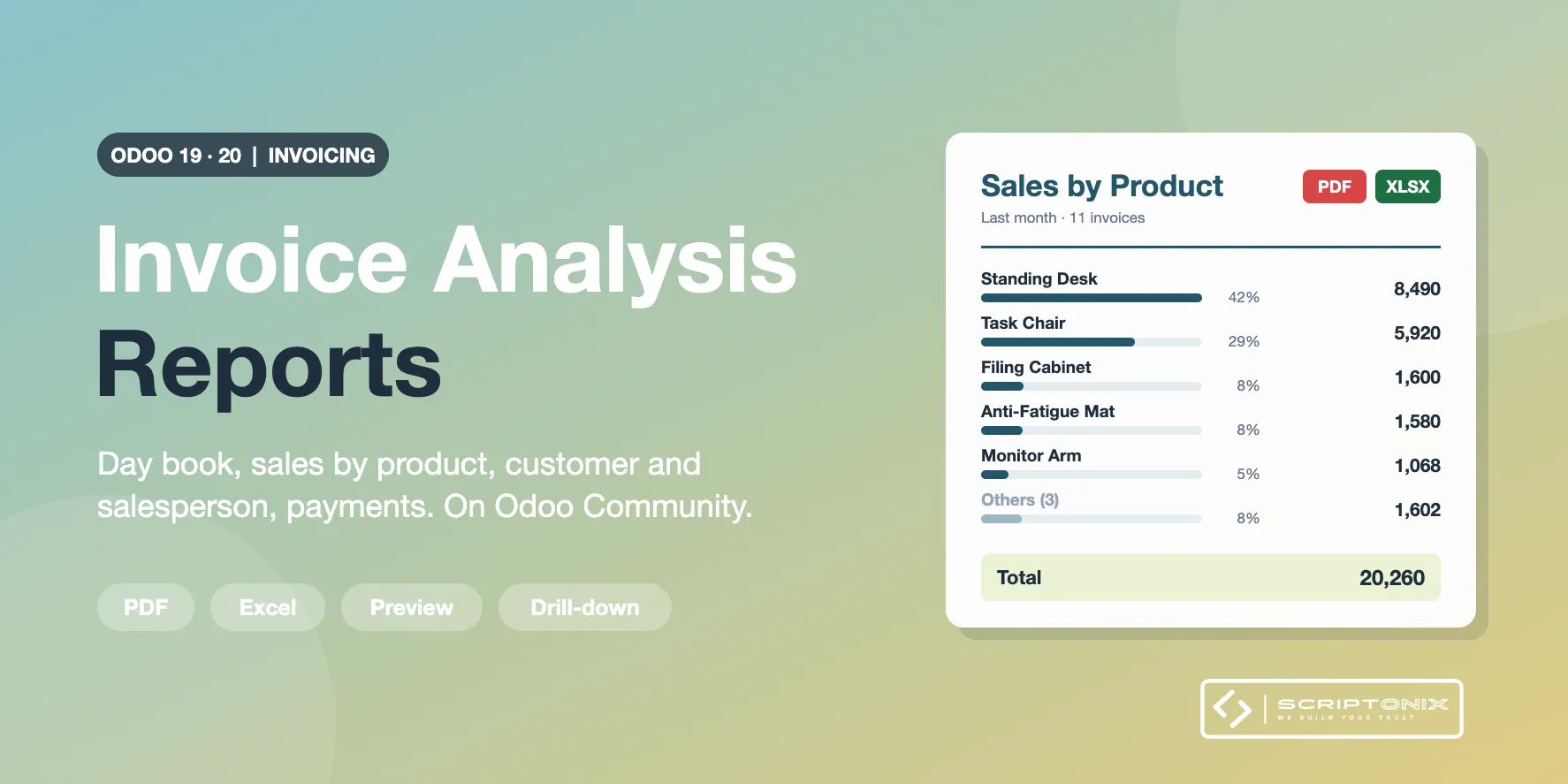
Six invoice reports for Odoo Community from one window: the invoice day book, sales by product, by product category, by customer and by salesperson, and the payments received. Each one with a live preview, as a PDF with your company header and as a real Excel workbook. The same reports exist for the vendor side: bills, purchases and payments sent.
Key Features
- Six reports, one window — Day Book, By Product, By Product Category, By Customer or Vendor, By Salesperson, Payments.
- Live preview with totals — Change the period or a filter and the rows and the total follow at once.
- PDF and Excel — A PDF with the company header and a workbook with a summary sheet and a filterable detail sheet.
- Drill-down into Odoo — The arrow on a row opens its invoices or payments; one button opens Odoo's Invoice Analysis on the same filter.
- Top N with Others — Keep the ten best products or customers; the rest is summed in one row so the total stays complete.
- Filters that matter — Period presets, journals, partners, salespersons, products, product categories, posted or draft, with or without credit notes.
- From the invoice list — Select invoices or bills, choose Action > Invoice Reports and analyse exactly that selection.
- Customer and vendor side — Invoices, credit notes and payments received, or bills, refunds and payments sent.
Benefits
- A report you can print, file or send, not only a screen
- Share of total and averages without building a pivot table
- Totals that reconcile: every row opens the documents behind it
- Works right after install; proposed values are set per company
Ideal For
- Owners and sales managers who want the monthly sales figures on paper
- Accountants who keep a day book of invoices and of payments
- Companies on Odoo Community without the Sales app
Technical Highlights
- Depends on the Invoicing app only; no Sales, no Inventory, no extra Python library
- Reads through the Odoo ORM with the rights of the user; no direct SQL, no elevated access
- Company currency, branches included, multi-company safe, fully translatable
- Each user reaches only the reports he or she prepared
Supported Odoo Versions
- Odoo 19
- Odoo 20