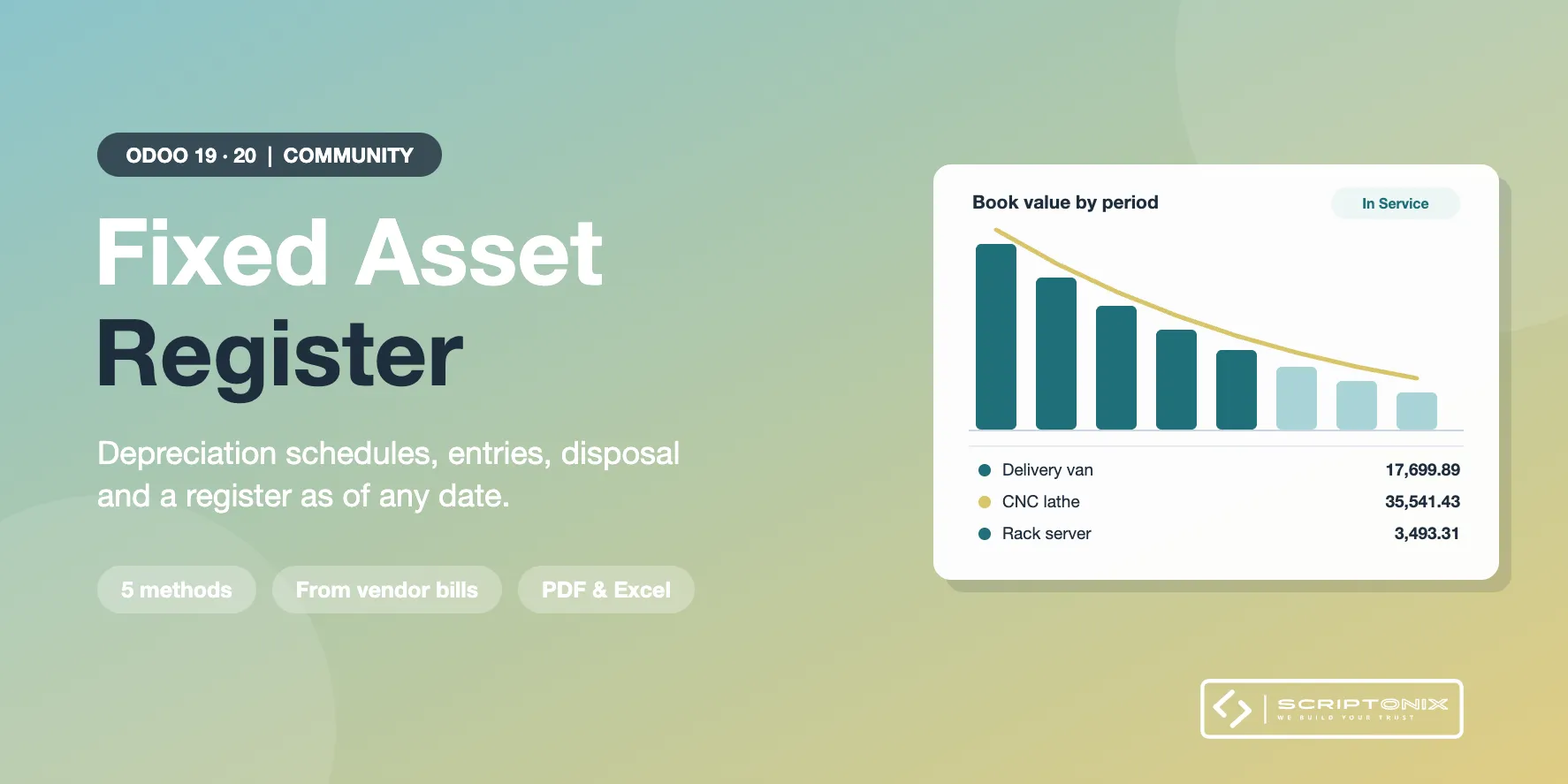
Odoo Community has no fixed asset register. This module adds one: asset categories with their accounts, assets with a depreciation schedule, depreciation entries posted by a scheduled action or by hand, assets created from vendor bills, revaluation, pause, sale or scrapping with a gain or loss entry, and a register you can print as of any date.
Key Features
- Asset register — Purchase value, salvage value, in-service date, location, responsible, serial number, vendor and source bill for every asset; a register number from a sequence.
- Five depreciation methods — Straight line, declining balance, declining balance then straight line, units of production and a manual schedule; monthly, quarterly or yearly; three first-period rules.
- Depreciation entries — One journal entry per schedule line, posted by a daily scheduled action, by a wizard up to a date, or from the asset. Posted directly or left as drafts for review.
- Assets from vendor bills — Choose a category on the bill line, or let a category catch every line on its asset account. One asset per unit if you want. Foreign-currency bills are converted by Odoo.
- Revalue, change the plan, pause — New gross value with its journal entry, new salvage value or duration, pause and resume; each change with a reason, kept in the history of the asset.
- Sell or scrap — Catch-up depreciation to the disposal date, then one closing entry that clears the asset and its accumulated depreciation and books the gain or the loss.
- Register and schedule reports — Asset register as of any date and depreciation schedule for a period, per category with totals: on screen, PDF and Excel. An asset sheet PDF and a pivot analysis.
- Protected entries — Depreciation, revaluation and disposal entries cannot be reset, cancelled or reversed behind the back of the register; undo is a manager action that leaves a trace.
Benefits
- Depreciation booked every period without a spreadsheet
- A register that agrees with the ledger: every figure comes from a posted entry
- The book value of every asset on any past date, for the year-end closing and the auditor
- Works per company, with company settings and two access roles
Ideal For
- Companies on Odoo Community that own vehicles, machines, IT equipment or furniture
- Accountants who need a depreciation schedule and a fixed asset register at year end
- Accounting firms that keep the books of several companies in one database
Technical Highlights
- Own objects: categories, assets, schedule lines, history; nothing is added to products
- Schedule always ends exactly at the salvage value; lines are locked while they are posted
- Multi-company with record rules; amounts in company currency
- Excel made with the library Odoo already ships; no extra Python package
- Depends on the Invoicing app only. It is a Community tool, not the Enterprise Assets app, and is not meant to be used together with it
- Fully translatable; 76 automated tests
Supported Odoo Versions
- Odoo 19
- Odoo 20