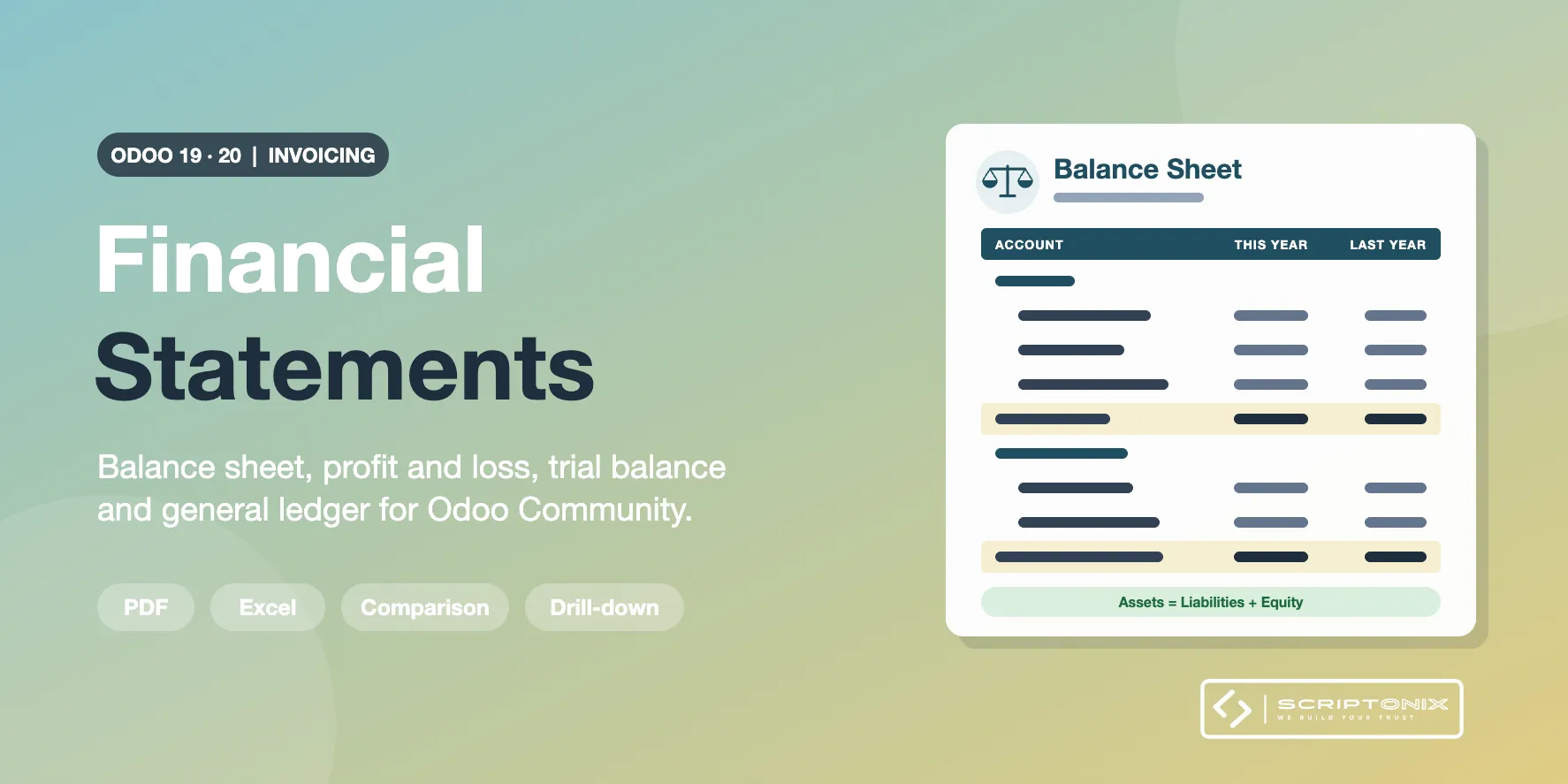
Odoo Community keeps the books but prints no financial statement: there is the Journal Items list and its pivot, nothing more. This module adds the four statements every accountant is asked for: balance sheet, profit and loss, trial balance and general ledger. Each one is shown on screen first, every figure opens the journal items behind it, and the same figures go to a PDF with your company header or to a real Excel file.
The statements follow the account types Odoo already gives every account, so there is nothing to set up: install, open, print.
Key Features
- Balance sheet as of any day — Assets against liabilities and equity, grouped by account type, with the result of the current financial year and the unallocated results of earlier years worked out for you.
- Profit and loss for any period — Revenue, cost of revenue, gross profit, operating expenses, depreciation, operating profit, other income and expenses, net profit.
- Trial balance that agrees — Opening, period and closing columns, each as debit and credit. Income and expense accounts open at zero on the first day of the financial year; earlier results open on the earnings account.
- General ledger with running balance — Every account with its opening balance, each journal item of the period, and its closing balance. Optional column with the amount in foreign currency.
- Filter by account, account type and account code — Print the trial balance or the general ledger for chosen accounts, for account types (Receivable, Payable, Bank and Cash ...), for whole groups (assets, liabilities, equity, income, expenses), for a range of account codes or for codes with a given beginning. The options are named on the PDF and in the Excel file and carried to the journal items.
- Comparison column — Previous period or the same period one year earlier, with the change, on the balance sheet and on the profit and loss.
- Live preview with drill-down — The statement is on screen before you print; the arrow of a row opens Odoo's own Journal Items list on exactly the items it is made of.
- Balance check on screen and on paper — A line tells you that assets equal liabilities plus equity and that debit equals credit, or names the amount and the reason when they do not.
- Analytic filter and subtotals per analytic account — With Analytic Accounting switched on, limit the profit and loss, the trial balance and the general ledger to analytic accounts or plans; a journal item distributed 60 / 40 counts for 60%. Or group the profit and loss and the general ledger by an analytic plan: one block with a subtotal per analytic account. The balance sheet always stays complete.
- PDF and real Excel — PDF with your company header; .xlsx workbook with number cells, frozen headings and, for the general ledger, a sheet with every journal item.
Benefits
- The statements your bank, auditor or tax adviser asks for, straight from Odoo Community
- Figures you can check: every amount opens the journal items behind it
- Look at a month before closing it by adding the draft entries
- Works right after installation; nothing to configure
Ideal For
- Companies on Odoo Community that need a balance sheet and a profit and loss
- Accountants and bookkeepers who close months and years
- Accounting firms that send statements to their clients
Technical Highlights
- Reads the journal items with grouped ORM reads; no stored report data, no SQL
- Analytic figures come from the analytic distribution of the journal items, weighted by percentage
- Follows the financial year set on the company
- Multi-company with branches; amounts in company currency
- Excel made with the library Odoo already ships; no extra Python package
- Depends on the Invoicing app only; does not touch the Enterprise accounting reports
- Limited to accounting roles; each user sees only the statements he or she prepared
- Fully translatable
Supported Odoo Versions
- Odoo 19
- Odoo 20