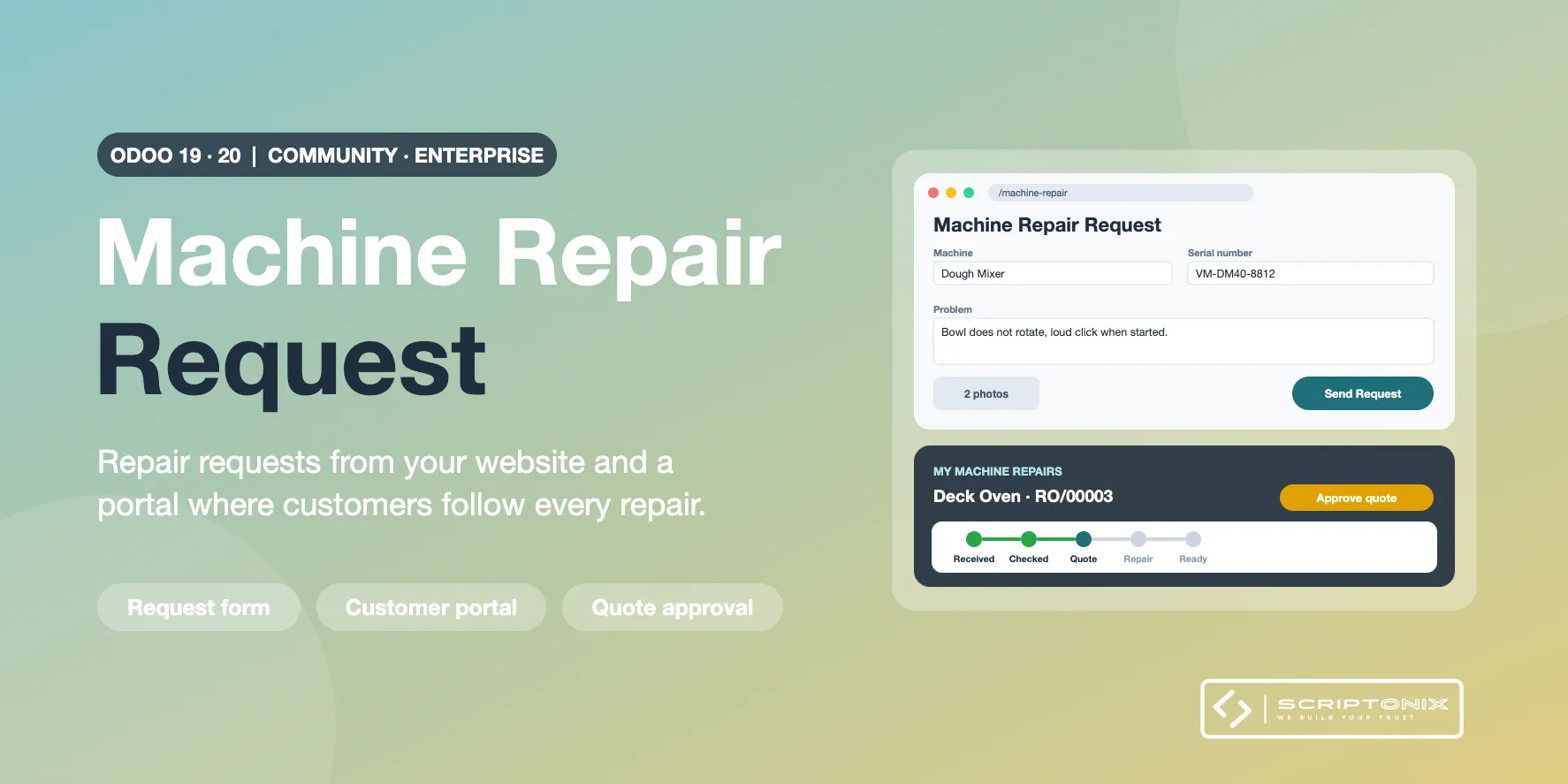
Let customers send machine repair requests from your website and follow them in their portal. The request form takes the machine, serial number, problem, photos and the preferred drop-off date; signed-in customers simply pick one of their registered machines. Each request becomes a machine repair in the back office, ready for intake, diagnosis and quotation. Customers see the progress of every repair, the warranty decision and the quotation to approve online.
REQUIRES the app "Machine Repair Shop" (spx_repair_machine_service, by Scriptonix, sold separately) and the Odoo Website app. Repairs, machines, warranty rules and quotations are those of Machine Repair Shop and Odoo's own Repairs and Sales apps.
Key Features
- Repair request form on the website — Machine, brand, model, serial number, problem, accessories, preferred drop-off date and photos or PDF documents. A "Repair Request" entry is added to the website menu.
- Registered machines for signed-in customers — Customers choose one of their machines from a list showing the warranty status, or describe another machine.
- Confirmation e-mail and follow-up activity — An editable e-mail template confirms each request with a link to it; the person in charge gets an activity to review new requests.
- My Machine Repairs portal — Every repair of the customer with its status, warranty decision and a timeline from reception to hand-over, plus the customer's machines and their warranty end.
- Quotation approval online — When the quotation is sent, the repair page links to Odoo's own quotation page, where the customer accepts, signs or pays it.
- Messages with the shop — The repair page carries the standard portal chatter, with the photos sent with the request.
- Spam protection — Hidden trap field, a pause between two requests and the standard reCAPTCHA or Turnstile check when you use one.
- Settings per website — Requests from visitors or from signed-in customers only, confirmation e-mail, person in charge, number and size of files.
Benefits
- Customers request repairs at any time, with the data your desk needs
- Fewer phone calls: customers see the progress and the quotation themselves
- Visitor data never lands on someone else's account
- Works right after installation with sensible defaults
Ideal For
- Machine, tool and equipment repair shops with a website
- Service centres for appliances, garden, workshop and catering machines
- Dealers who repair the machines they sell
Technical Highlights
- Creates repairs through the documented request method of Machine Repair Shop
- No new access rights for portal users; the portal reads only the customer's own repairs
- Community and Enterprise, no Enterprise module needed
- Multi-website and multi-company: requests go to the company of the website
- Fully translatable; covered by automated tests
Supported Odoo Versions
- Odoo 19
- Odoo 20