
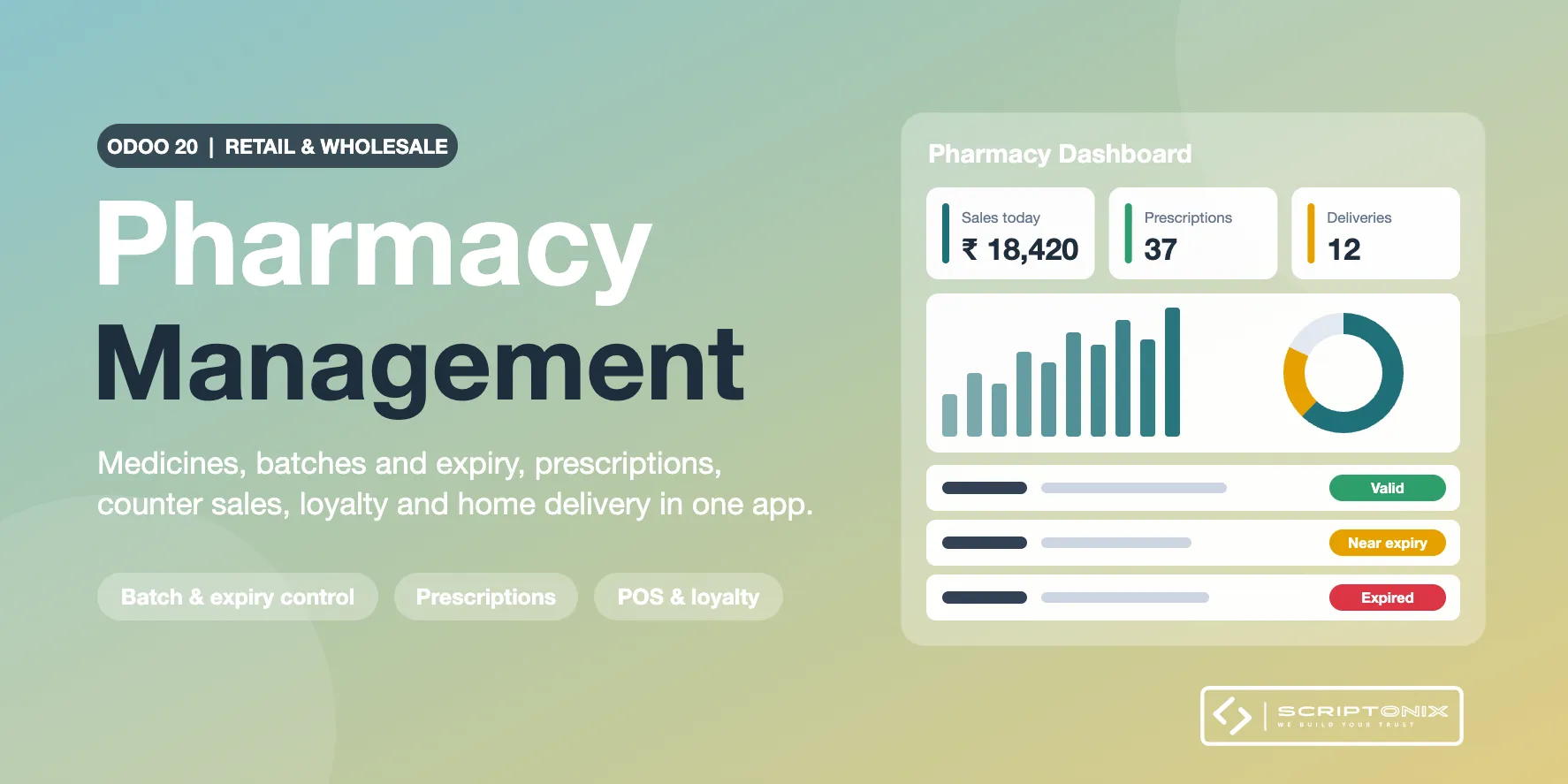
Run a retail and wholesale pharmacy on Odoo Community. Medicines, batches, purchases, counter orders, wholesale orders, transfers, invoices and loyalty cards stay the standard Odoo documents; this app adds the pharmacy rules on top of them, so stock, accounting and taxes are never kept twice.
Key Features
- Medicine master — Generic name, composition with strengths, dosage form, drug schedule, manufacturer, MRP, storage condition and rack on the product.
- Box, strip and tablet — Buy and sell one medicine in several pack sizes with their own barcodes; quantities are converted on the server and a pack that may not be broken is refused.
- Batches, expiry and recalls — Manufacturing date, expiry, batch MRP and a status per batch; first-expiry-first-out; a recall marks the batches, lists the stock and the customers and moves the stock to quarantine.
- Blocked batches cannot be sold — An expired, quarantined, recalled or damaged batch is skipped by reservation and refused at the counter, on a delivery and on a transfer to a customer.
- Purchases with batch data — Supplier licences, buy-X-get-Y-free schemes as zero-price lines, batch number, expiry and MRP on the receipt, minimum shelf life, supplier returns with a reason.
- Prescriptions and practitioners — Prescription-only medicines leave against a verified prescription and a pharmacist authorisation; dispensing records and a controlled-medicine register.
- Wholesale orders — Drug licence check and credit-limit block at confirmation with a manager approval, delivery challan with batches.
- Loyalty by mobile number — Members on the standard loyalty program of the counter, points settled on the server, redemption against a one-time code sent to the customer by SMS.
- Home delivery — Delivery zones by PIN code, charges, cash on delivery, assignment, proof of delivery and returns on top of the order's own stock transfer.
- Professional engagements — Documented services of practitioners (training, talks, health camps) with a compliance approval, tracking only by default; nothing is derived from prescriptions or sales.
- Dashboard, reports and alerts — Executive, inventory, counter, loyalty, delivery and practitioner figures, sales and stock analyses, an expiry report, daily alerts as activities.
Benefits
- One medicine search by brand, generic name, composition, manufacturer or any pack barcode
- No expired or recalled batch reaches a customer by mistake
- Stock, invoices, payments and loyalty balances remain the standard Odoo ones
- Twelve pharmacy roles with segregation of duties, settings per company
- India-ready with Odoo's own Indian localisation: INR, GST taxes and HSN codes on the standard documents
- Every feature area can be switched off per company without losing data
Ideal For
- Retail pharmacies and chemist shops
- Pharmacy chains with several branches
- Wholesale drug distributors and stockists
- Hospital and clinic pharmacies
Technical Highlights
- Depends on Point of Sale, Loyalty, Sales, Purchase, Inventory and Product Expiry; Community, no Enterprise module
- Own models in the spx.pharmacy namespace; products, lots, units, pickings, invoices and loyalty cards are the standard ones
- Checks run on the server when an order is paid or confirmed; record rules per company, feature switches on the company
- One-time codes by SMS through your own MSG91 or Twilio account; the two adapters are tested against simulated provider answers, so run the sandbox checklist of the documentation before going live
- The app supports your procedures; it does not certify legal compliance, which stays with the licence holder
- Fully translatable; covered by automated tests
Supported Odoo Versions
- Odoo 19
- Odoo 20